Free Meme Generator - Make Memes Online
Upload your image or video
Drag & drop, click to browse, or paste from clipboard. PNG, JPG, GIF, WebP, MP4 (max 50MB)
Free Meme Generator — No Signup, No Nonsense
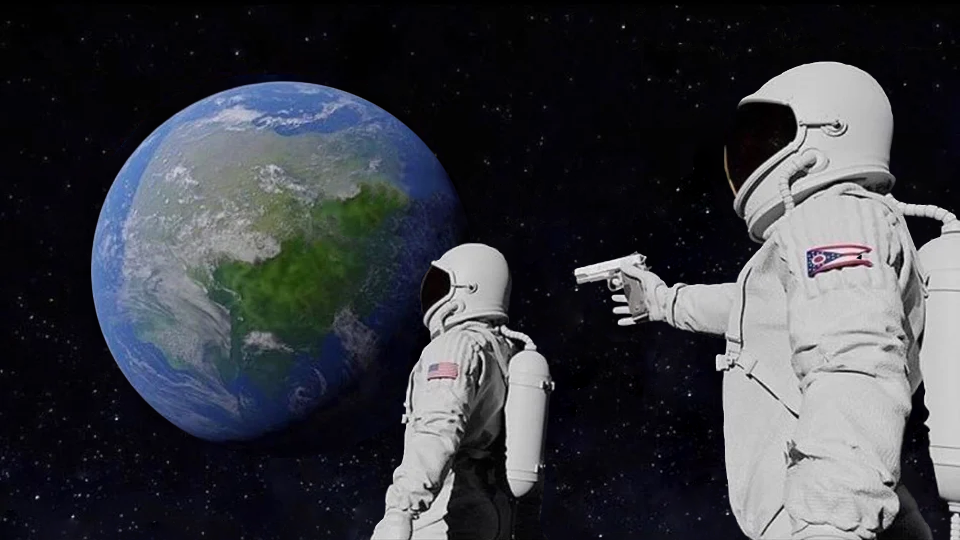
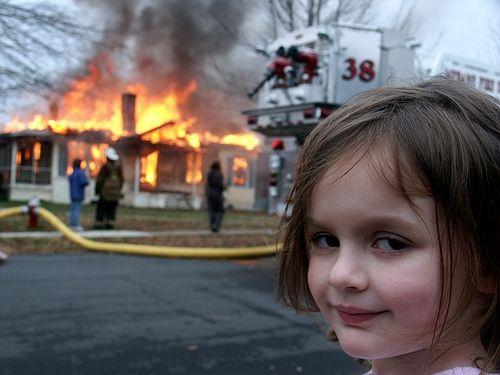
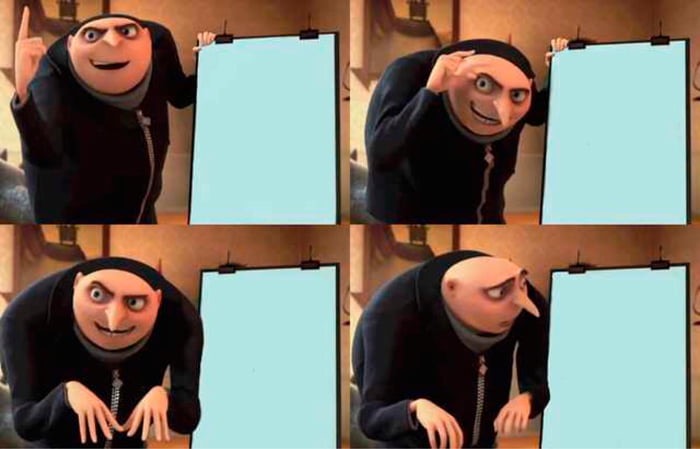
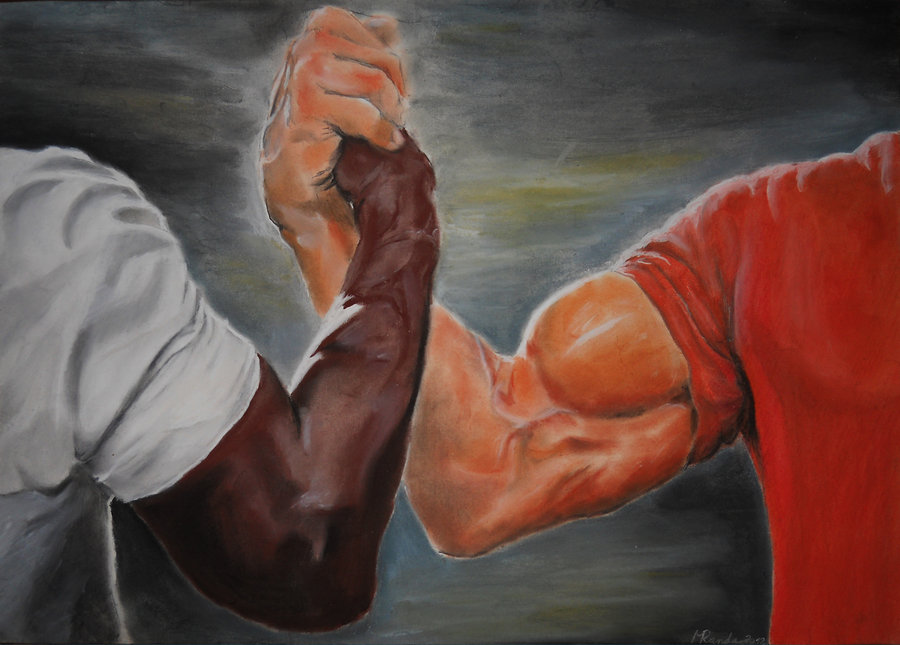
Make memes in seconds with meme.app. Pick from popular templates like Drake Hotline Bling, Distracted Boyfriend, Change My Mind, Batman Slapping Robin, and more — or upload your own image or video. Choose from 12 different layout styles, customize your text with multiple fonts and colors, then download as PNG, MP4, or GIF and share your creation instantly. No account required, no watermark games, no ads.
How to Make a Meme
- Pick a popular meme template or upload your own image
- Choose from 12 layout styles — classic Impact text, framed, TikTok, and more
- Add your top and bottom text, pick fonts and colors
- Download as PNG, MP4, or GIF — copy to clipboard or share directly
Trending Meme Templates
View all →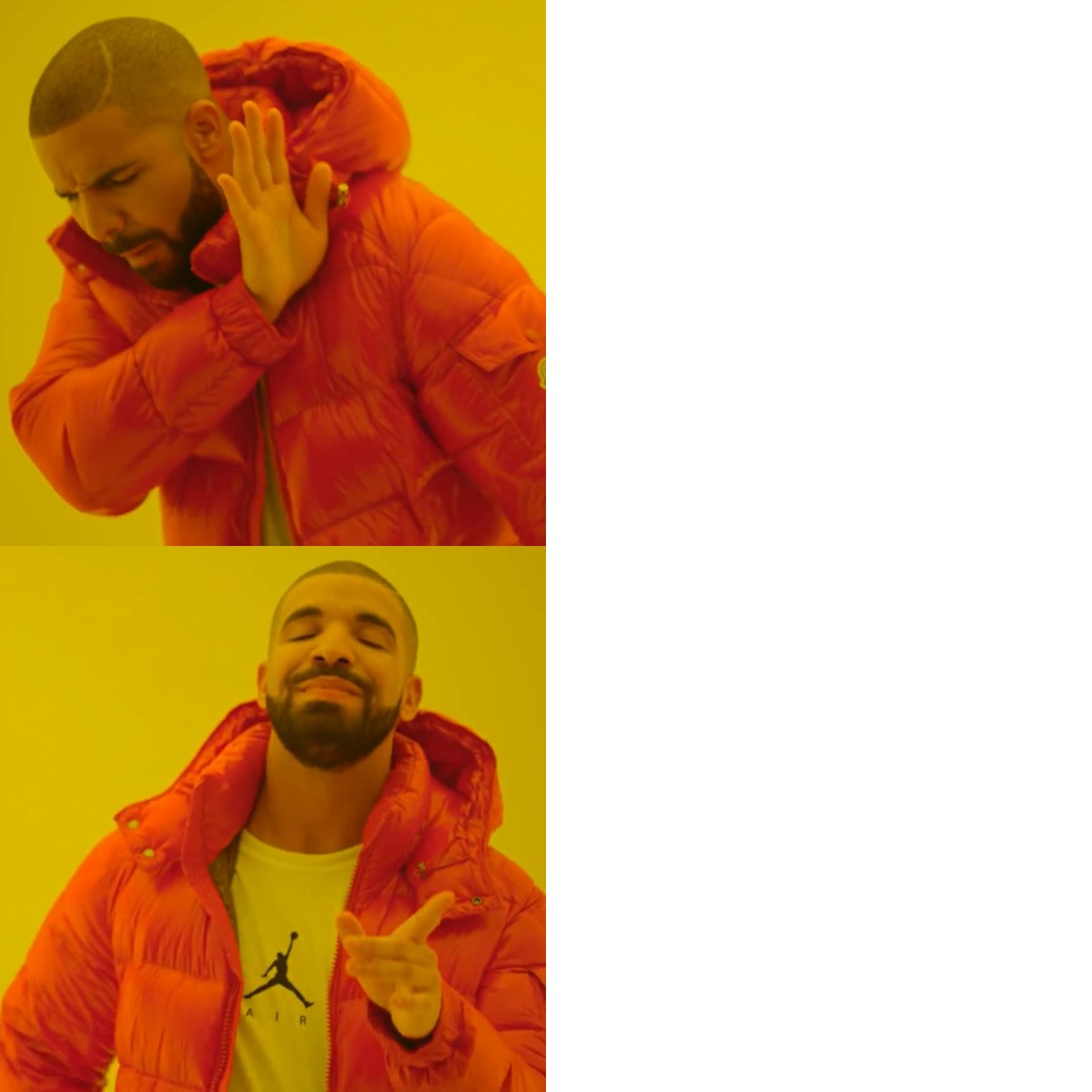
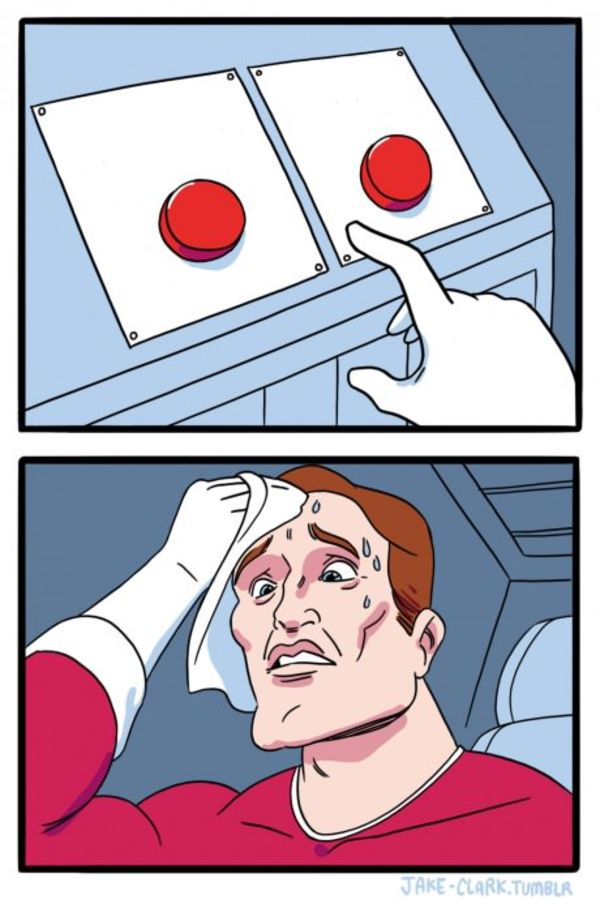
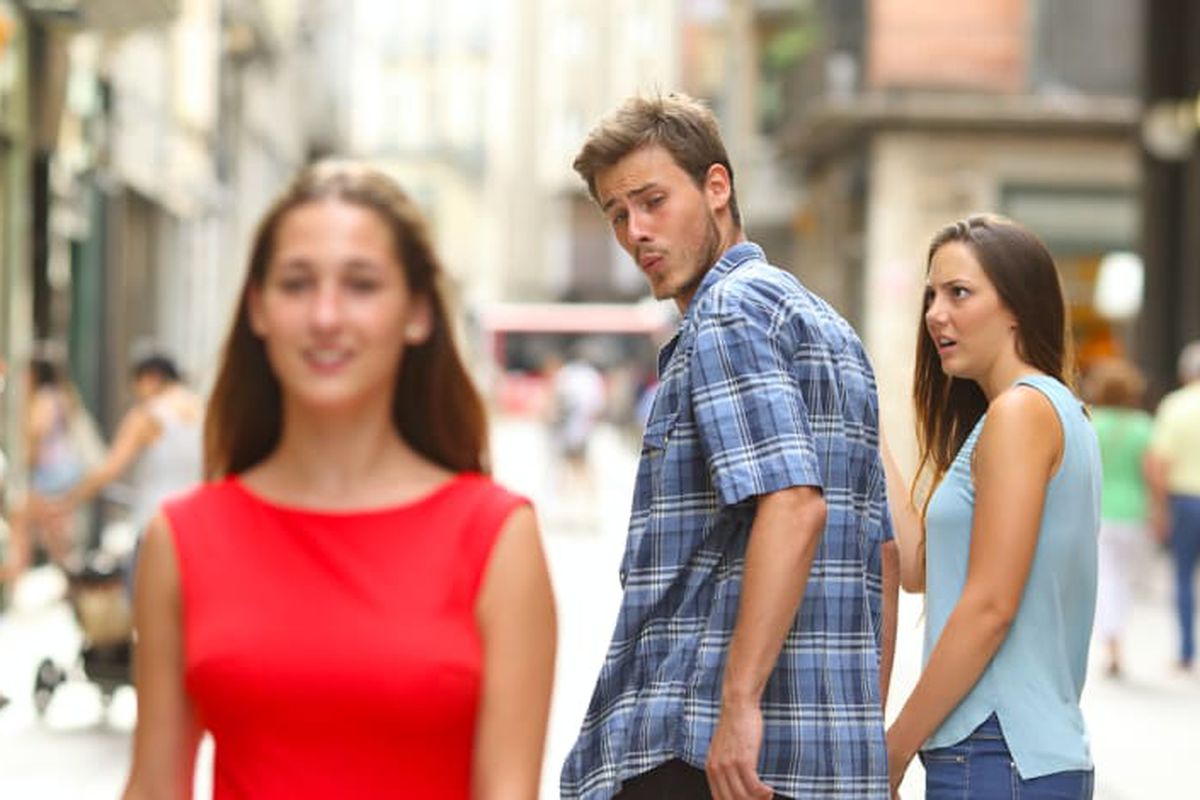
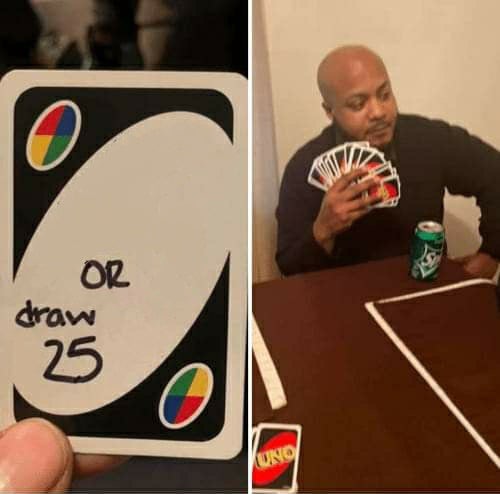
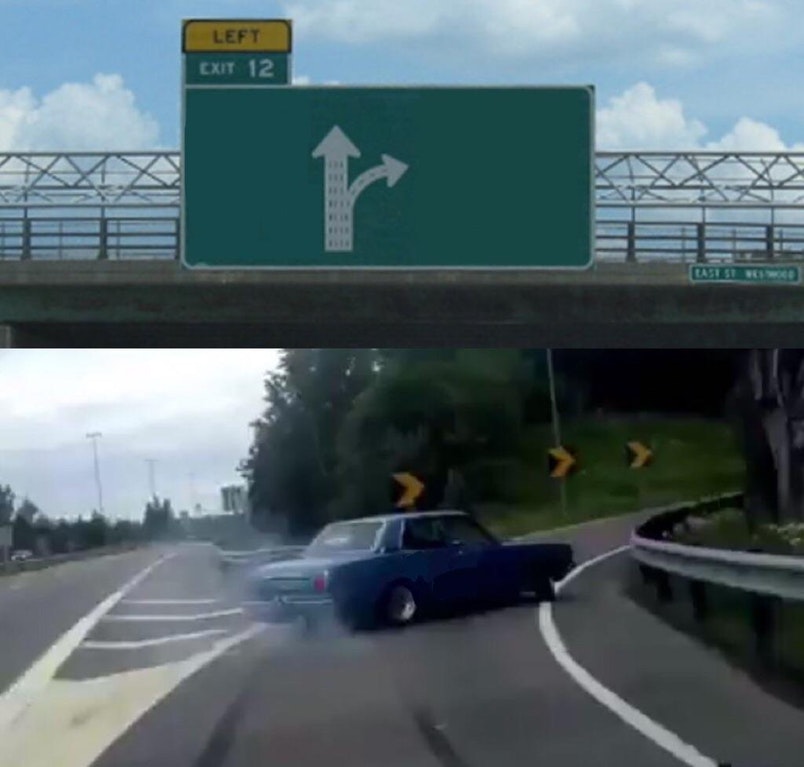
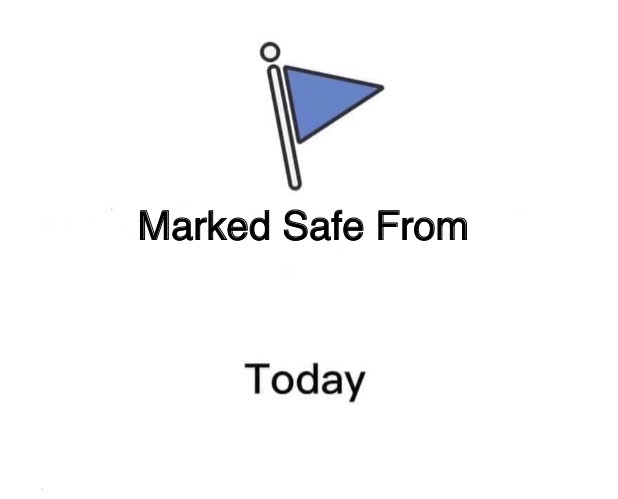
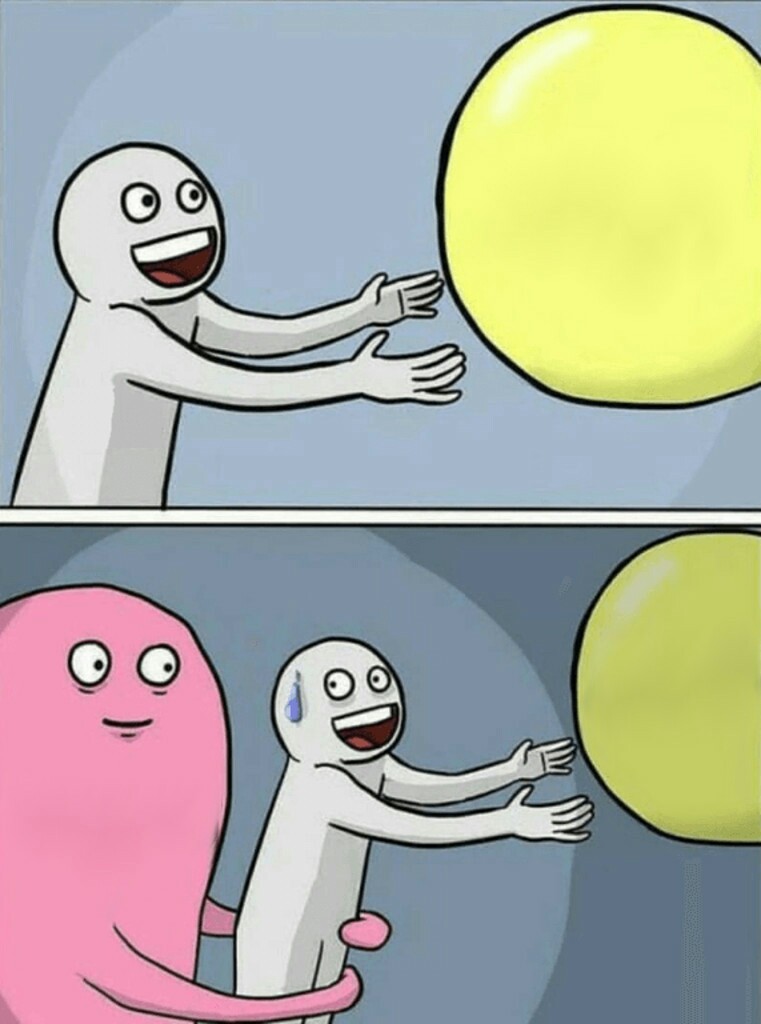
12 Layout Templates
Classic Impact text overlay, top/bottom bars, Twitter-style caption, TikTok overlay, demotivational poster, framed layouts, side text, Snapchat center bar, full overlay, and bordered styles. Every template supports custom fonts, colors, text stroke, and draggable positioning.
Works on Any Device
The meme generator works on desktop, tablet, and mobile. Drag and drop images or videos on desktop, or tap to upload from your camera roll on mobile. Paste images directly from your clipboard. Export images as high-resolution PNG, or video memes as MP4 or animated GIF.
Frequently Asked Questions
- Is this meme generator really free?
- Yes. No signup, no premium tier, no ads. Just make memes.
- Can I use my own images?
- Upload any image — drag and drop, click to browse, or paste from your clipboard. We support PNG, JPG, GIF, and WebP.
- What formats can I download?
- Image memes export as high-resolution PNG. Video memes can be downloaded as MP4 (with audio) or animated GIF. You can download to your device, copy to clipboard, or share directly using your device's share menu.
- Do you add a giant watermark?
- Just a small "meme.app" mark in the corner — nothing that ruins your meme.